1
Snap a photo
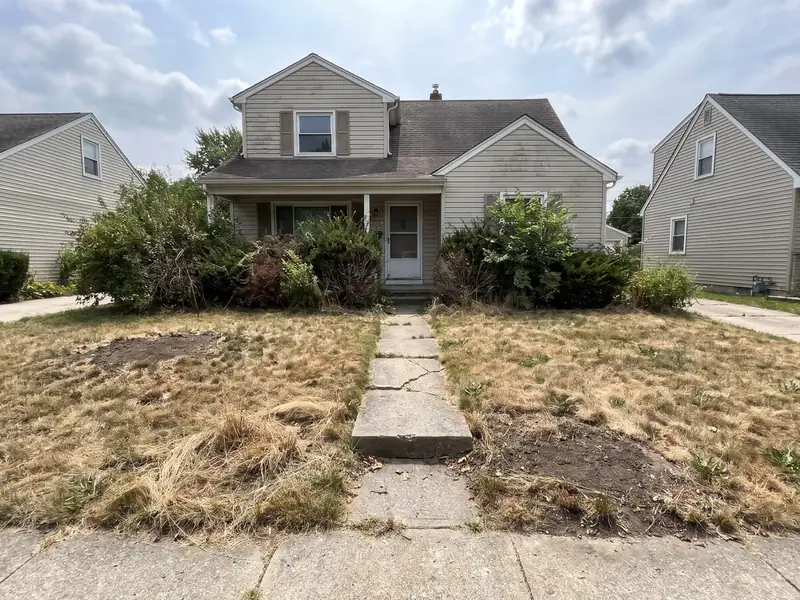
They take a picture of their own yard, kitchen, floor or fence.
The ClientSwing visualizer is a button on your website. A homeowner snaps a photo of their home, picks a style and sees the job done. Then they give you their number to get it, and you have the lead.


Trusted by 113+ ContractorsProven in 38 states.
 Your photo
After · Composite
Upload your photo
CompositeCedarPergola
Text me my designYour phone numberSend it
New lead
Name, phone, email and their photo. On your phone now.
Example images, not a client's job.
How it works
Snap a photo, pick a style, see it done. It takes about 10 seconds, and the 4th step is yours.
They take a picture of their own yard, kitchen, floor or fence.
They tap the look they want.
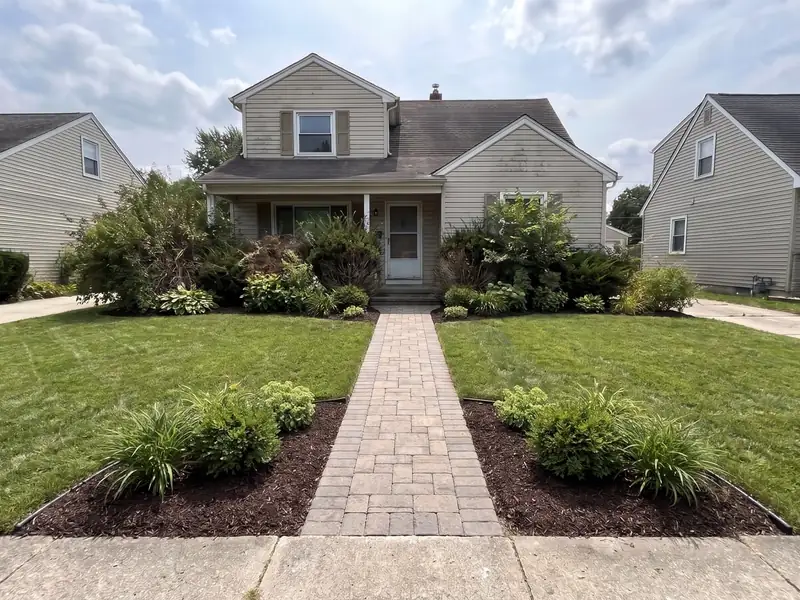 After · Sod + beds
Their own home, with the job finished. In about 10 seconds.
To get their design, they give you their number. It lands on your phone.
Try it
Here are examples for 9 trades. Pick yours, then a style. On your website, the homeowner sees their own home.
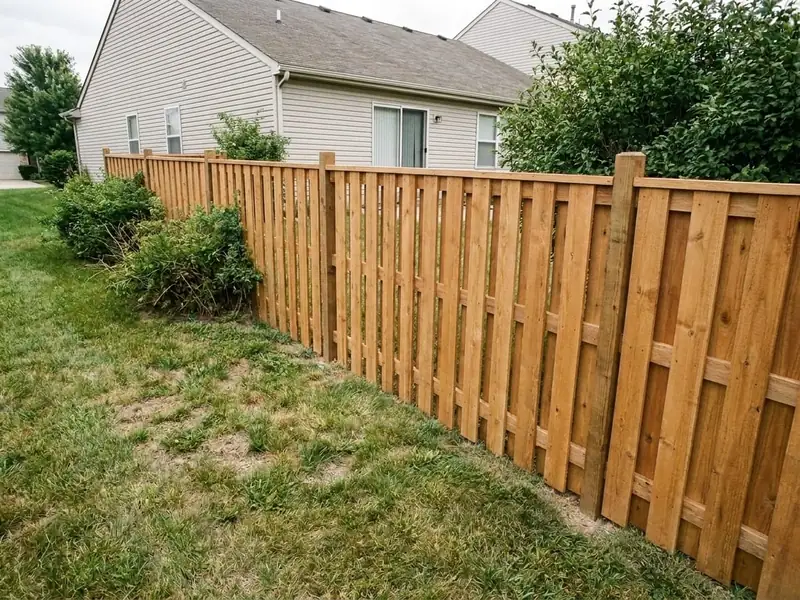
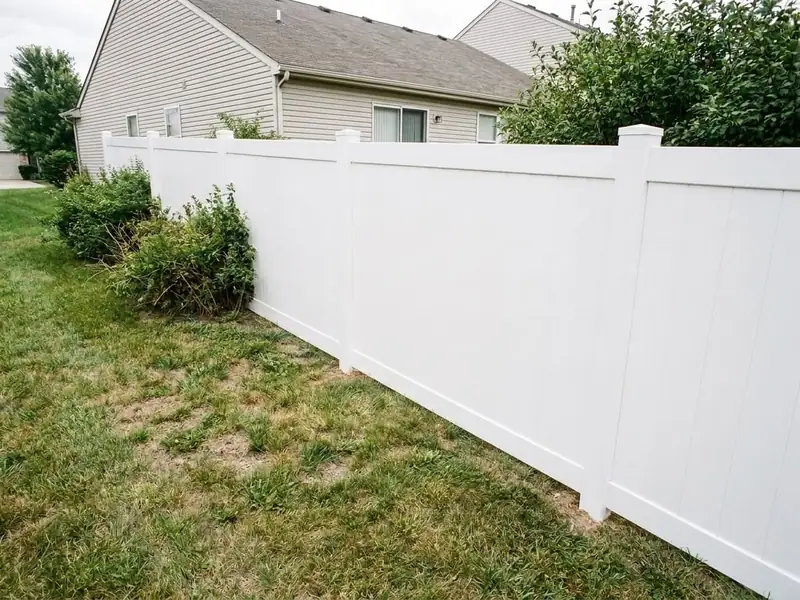
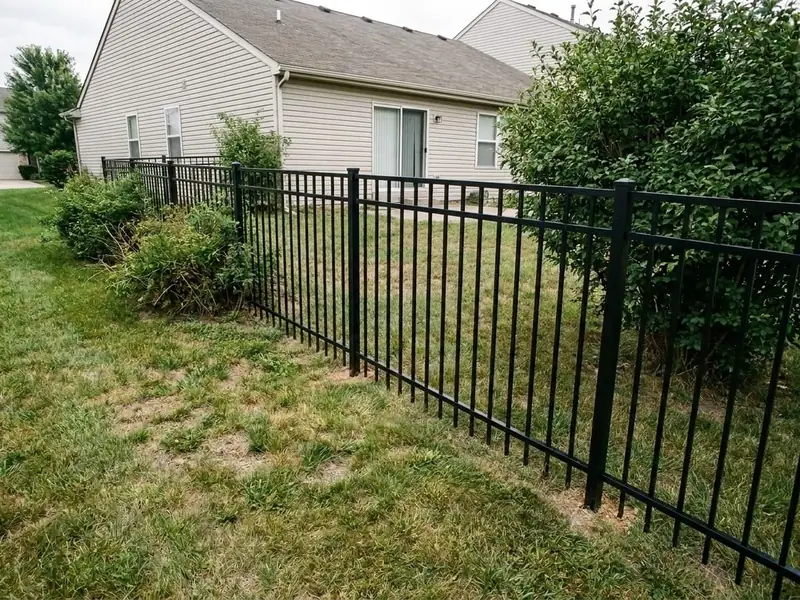
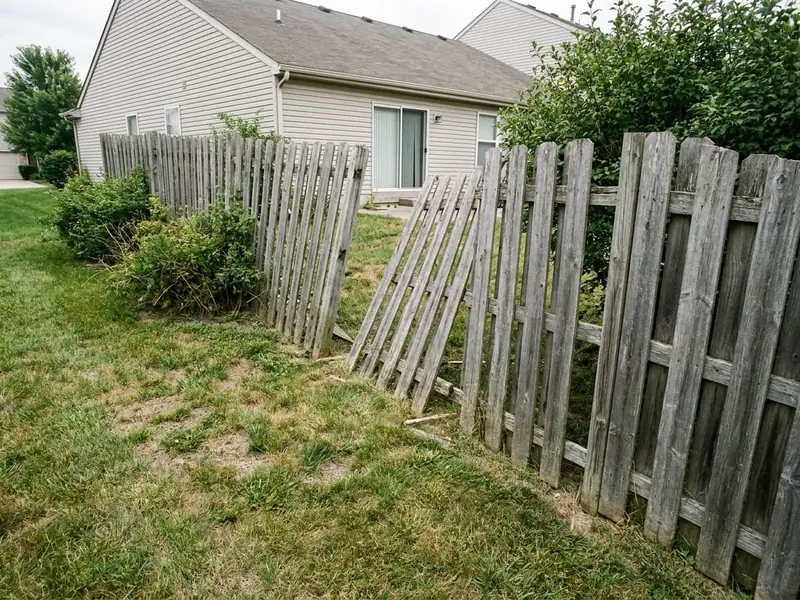
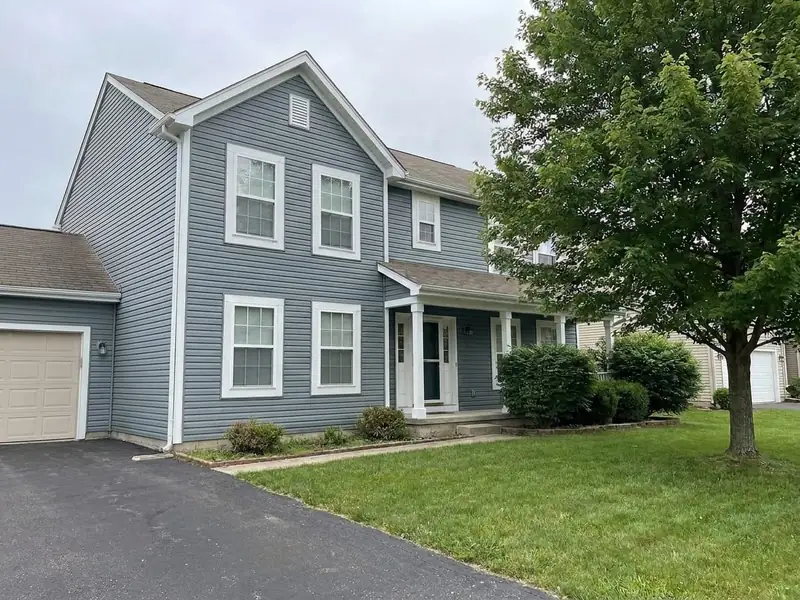
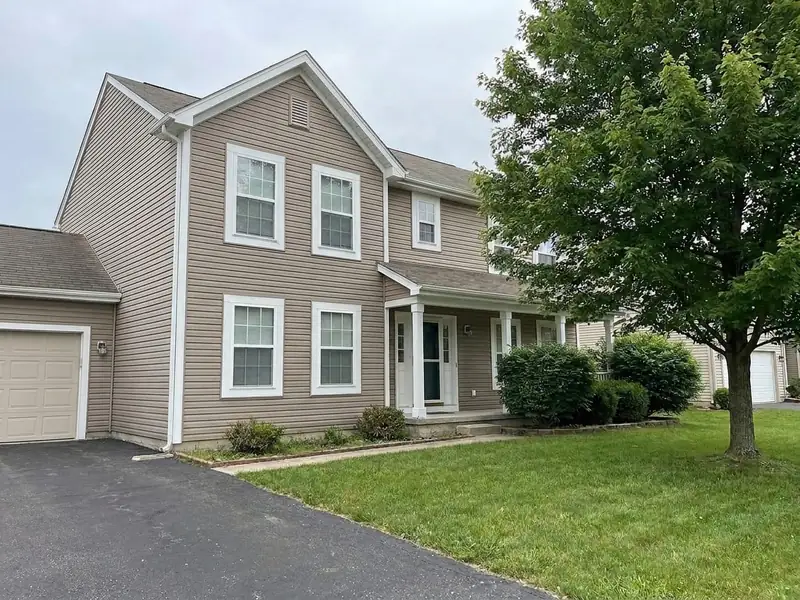
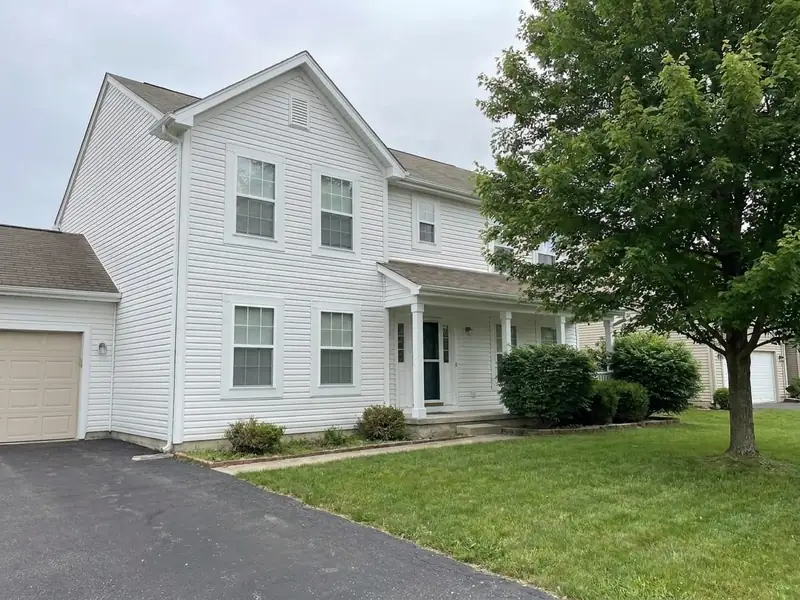
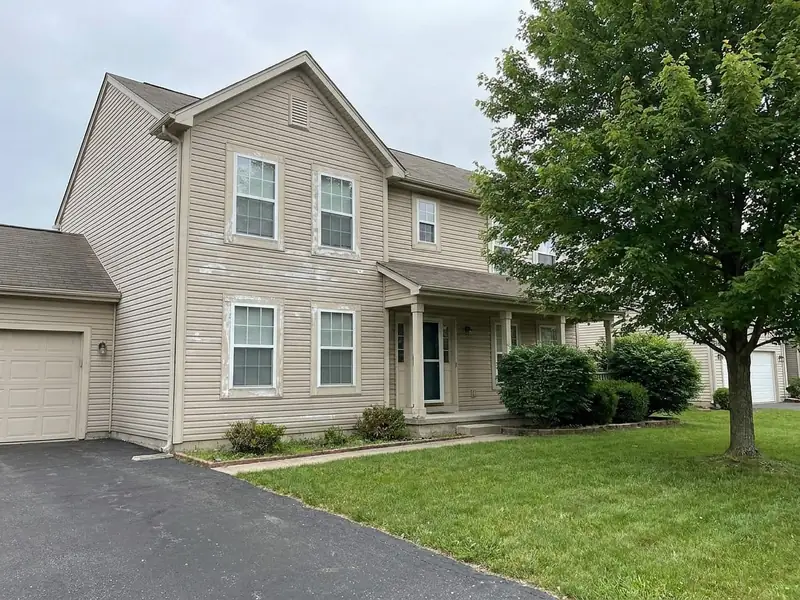
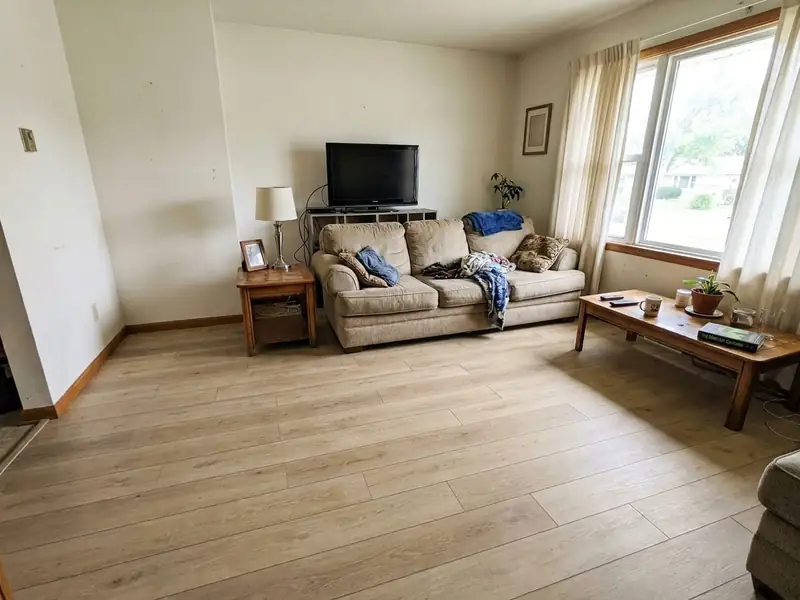
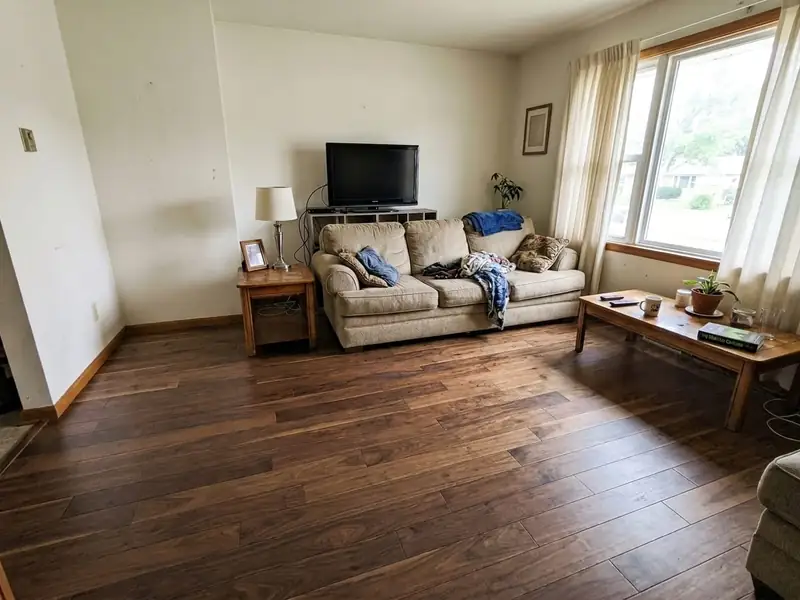
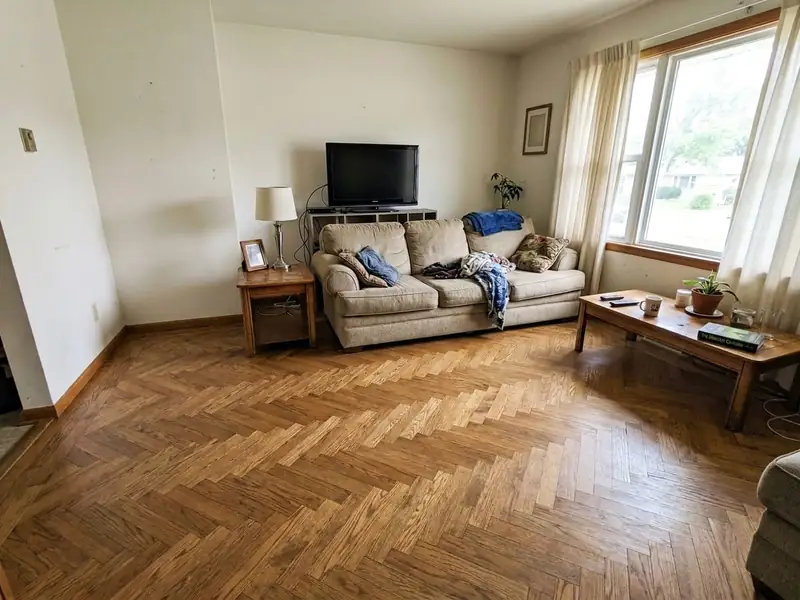
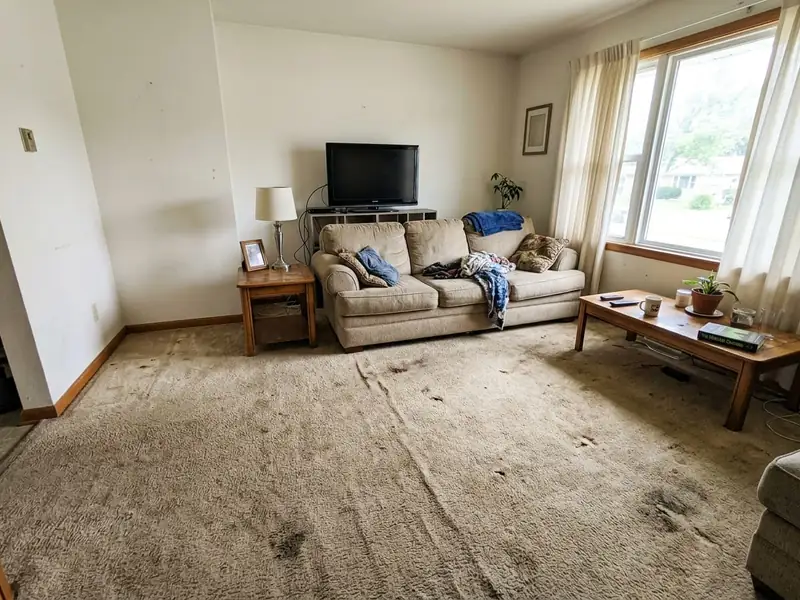
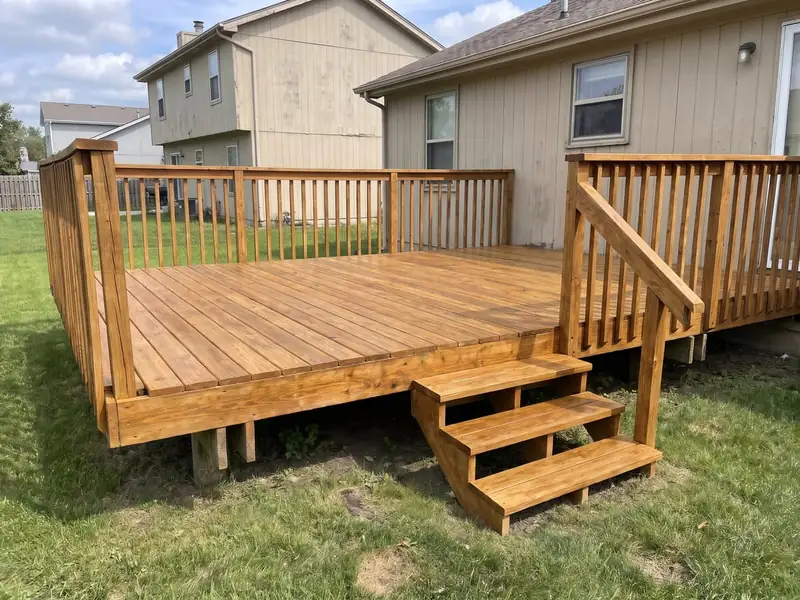
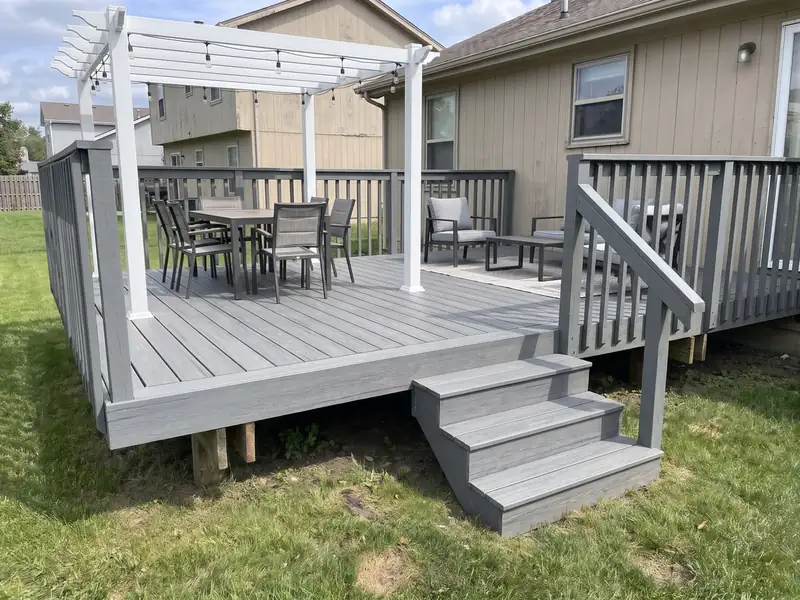
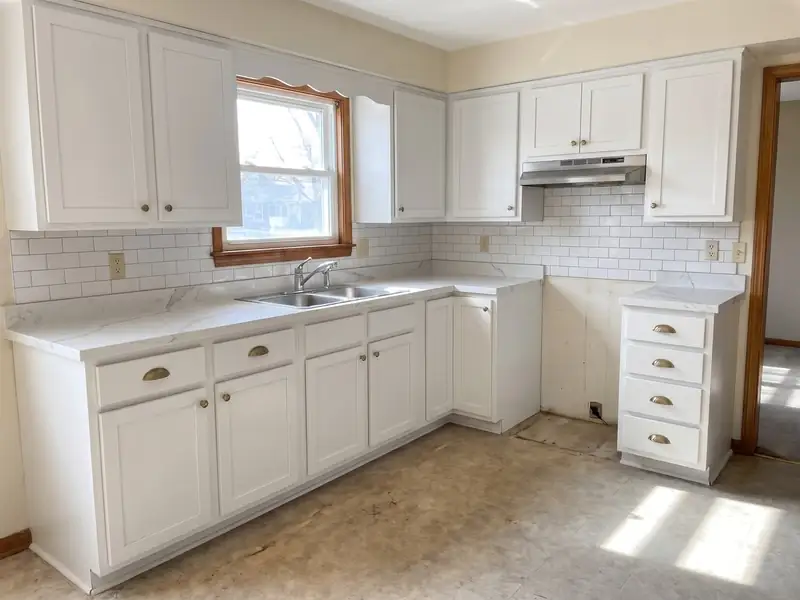
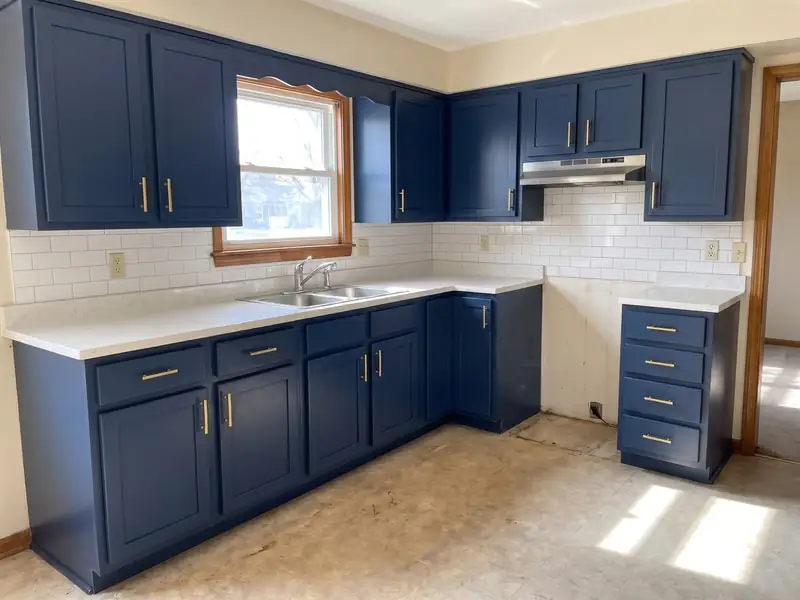
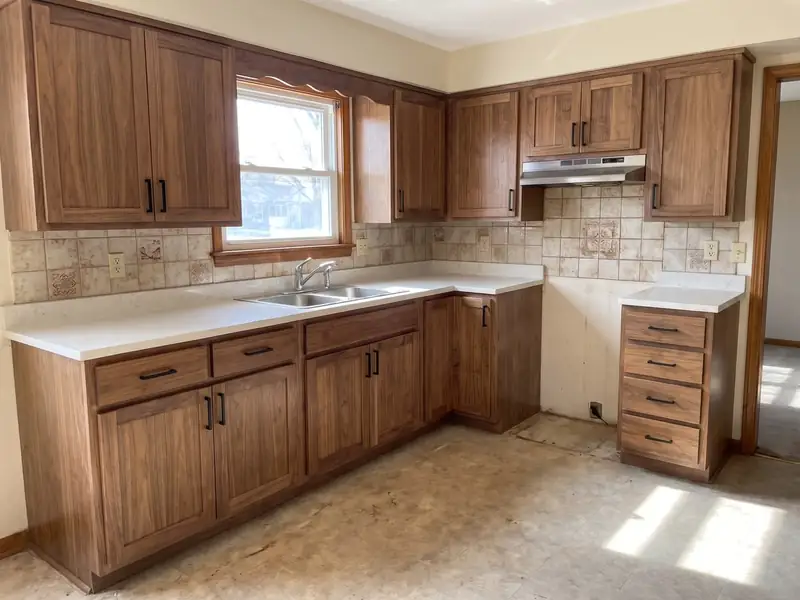
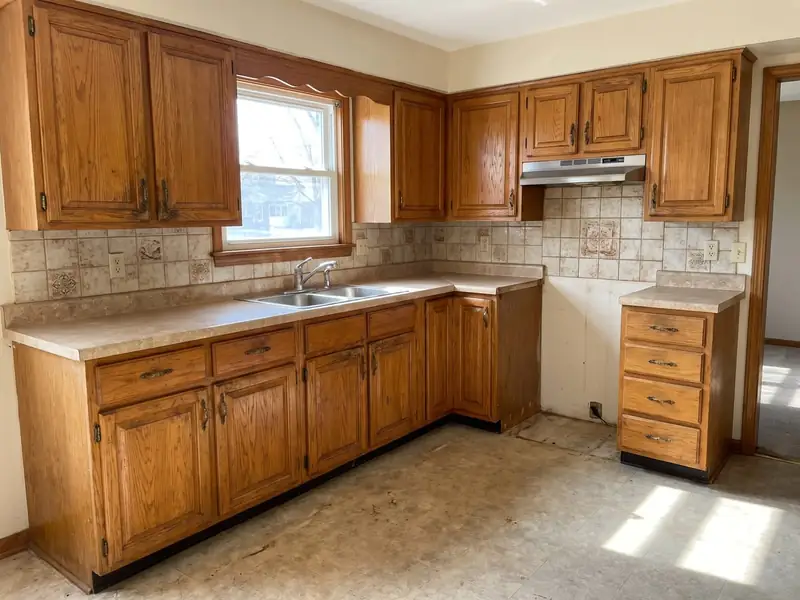
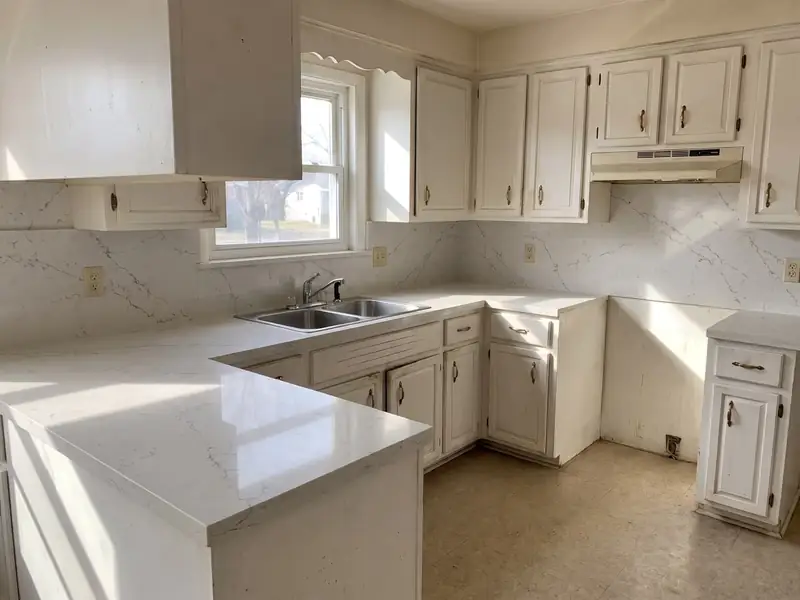
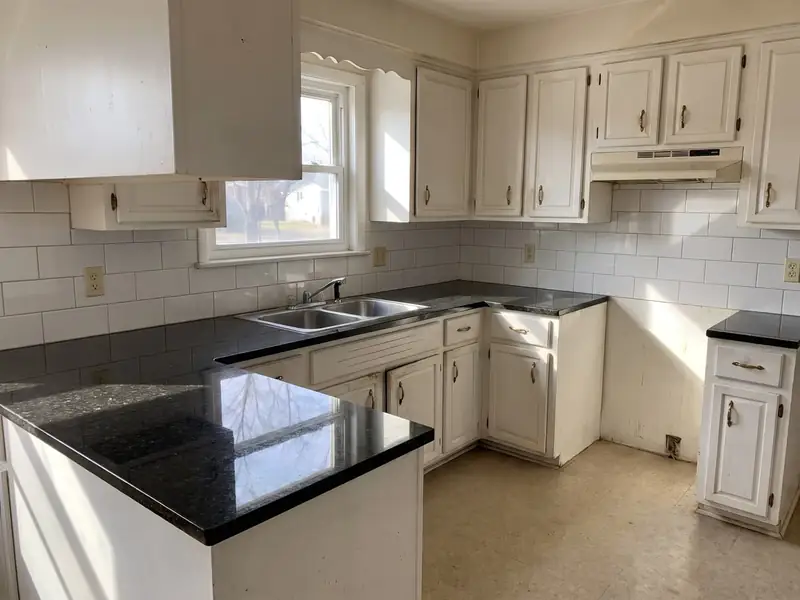
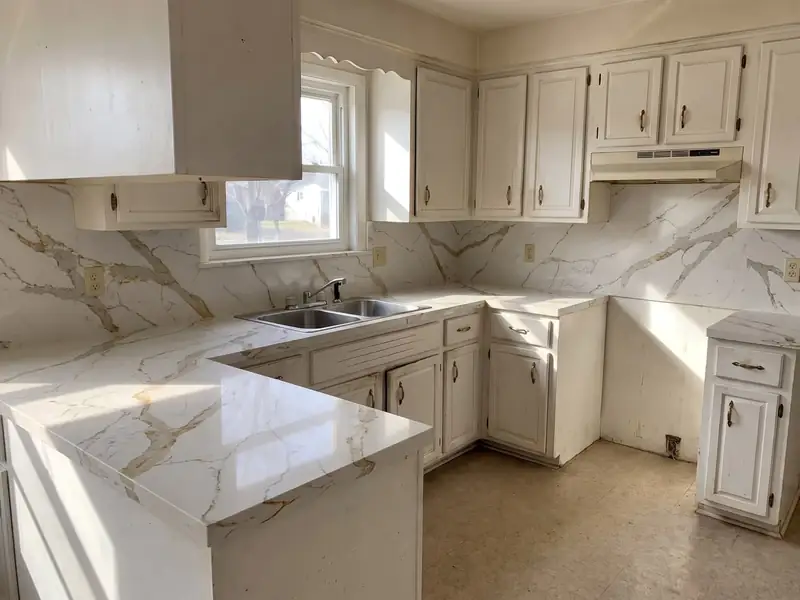
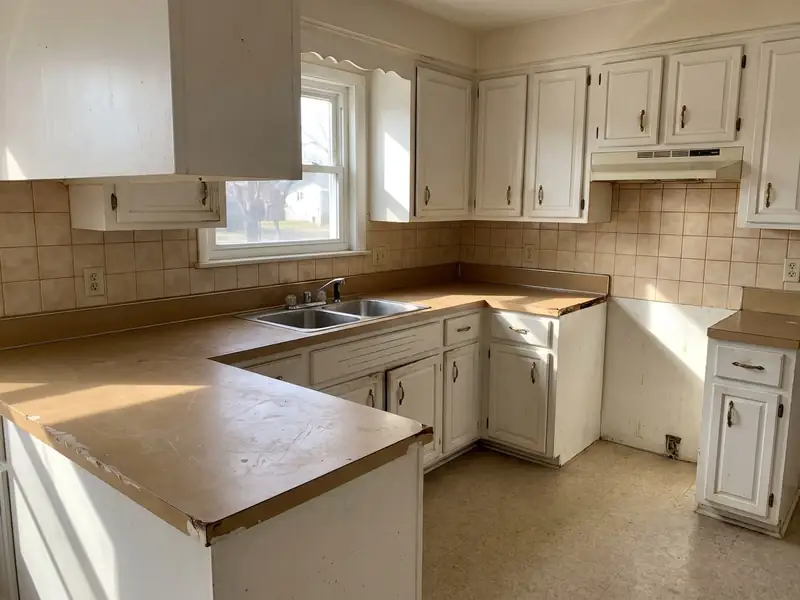
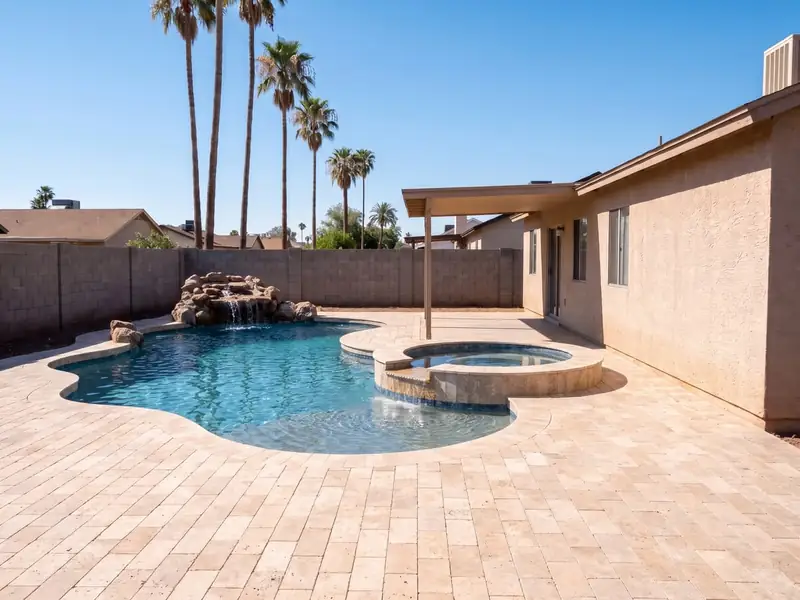
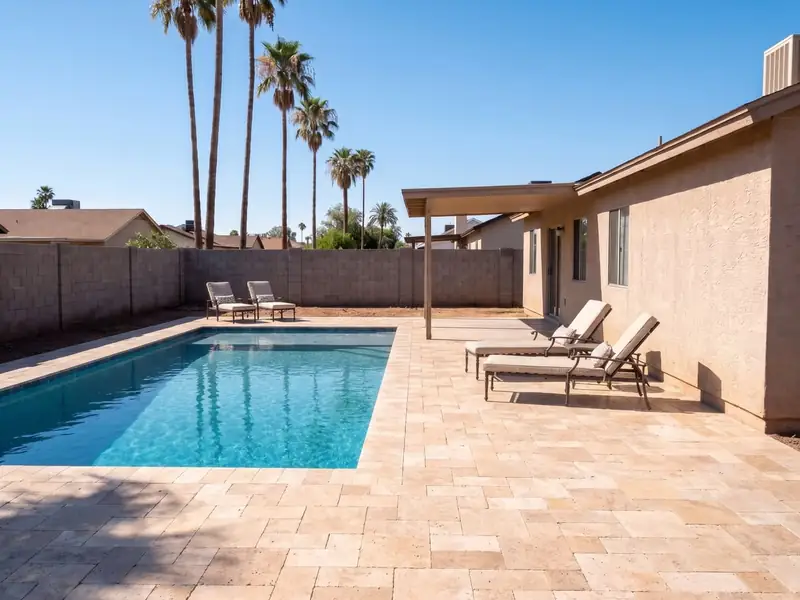
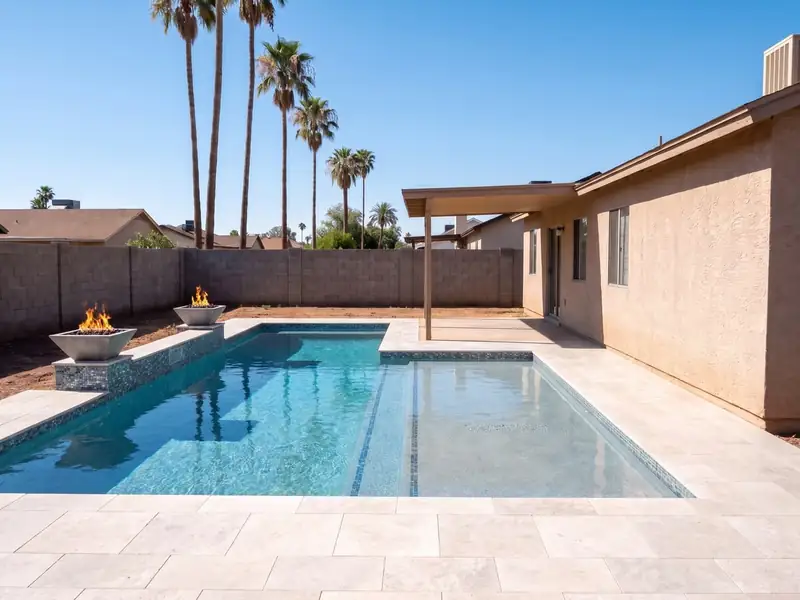
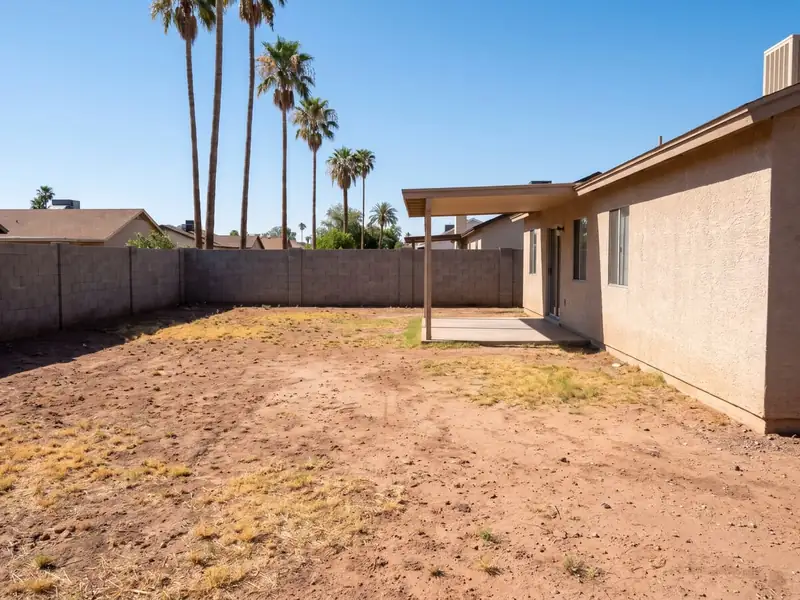
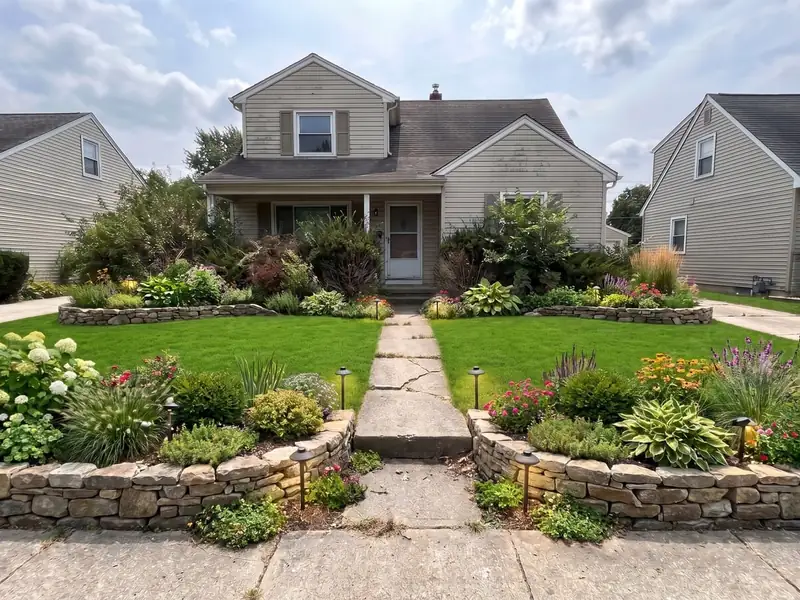
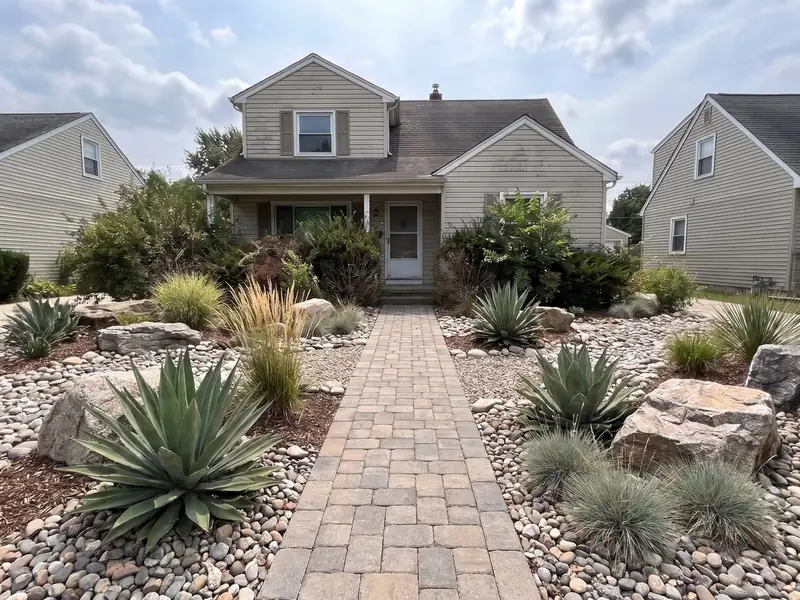
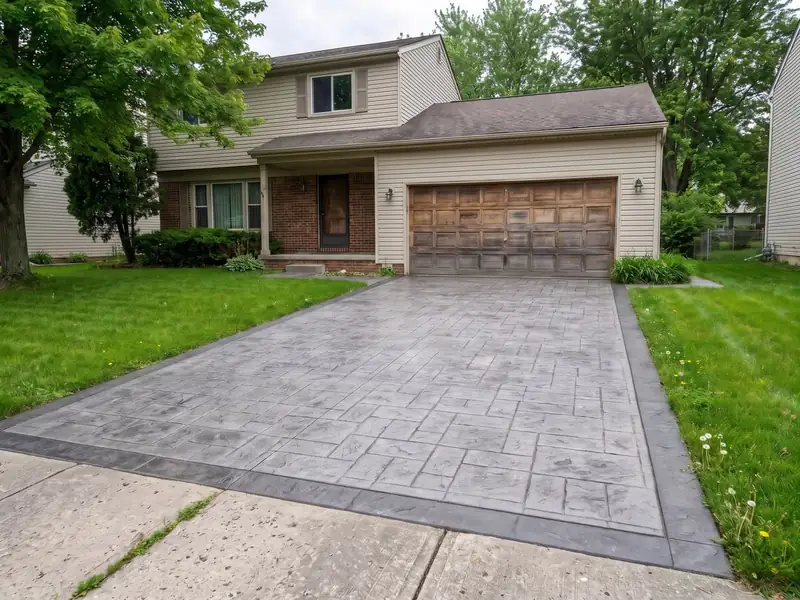
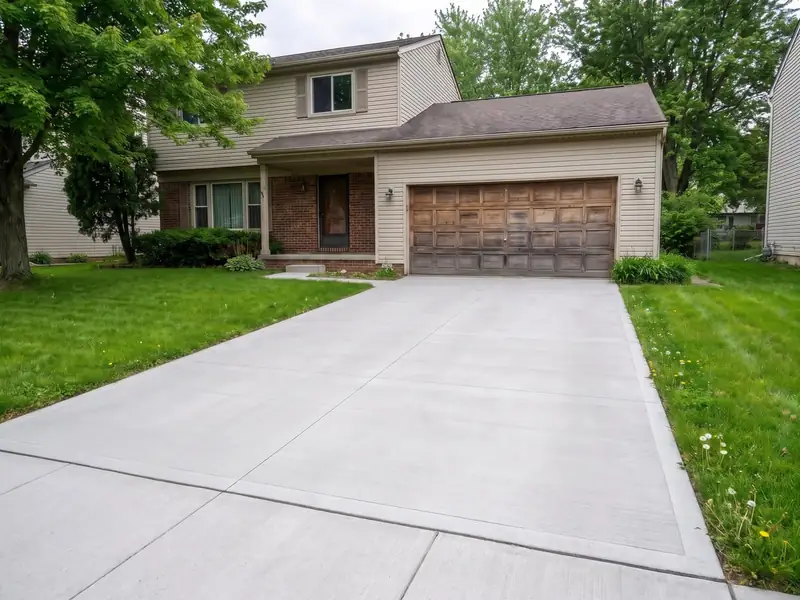
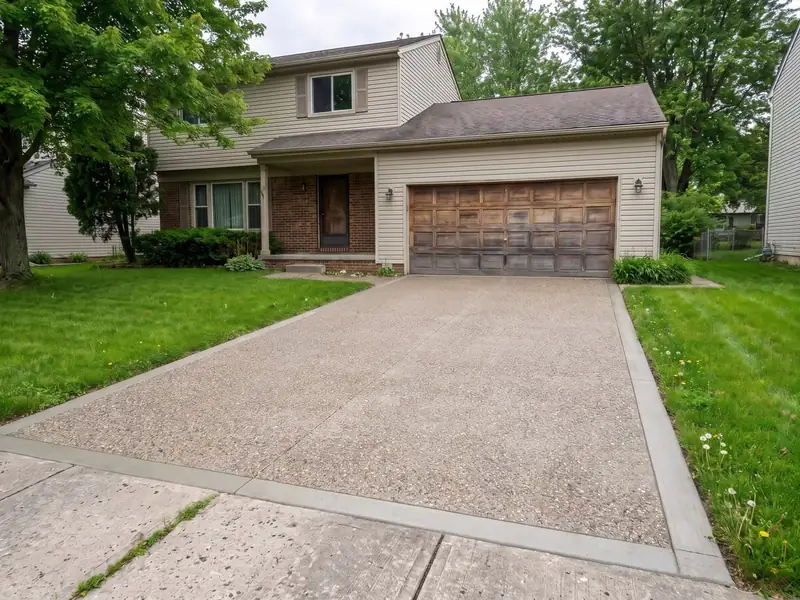
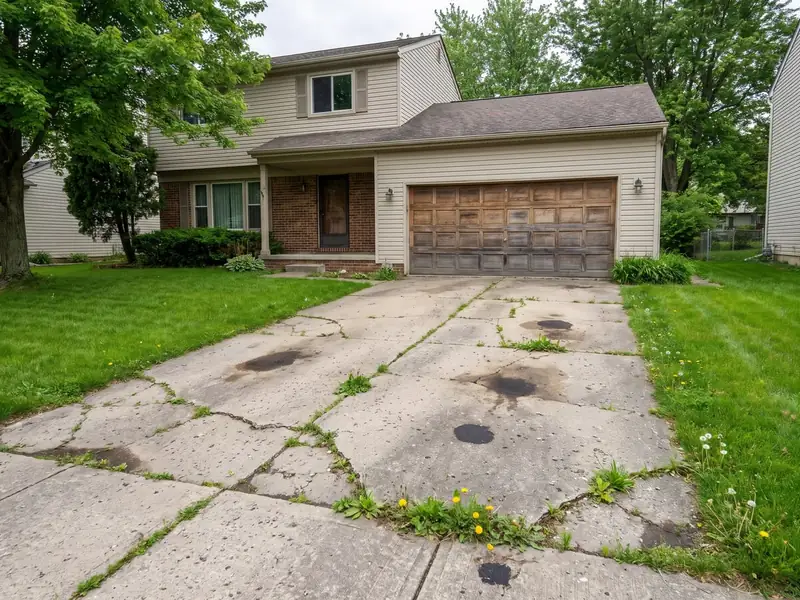
Tap a trade, then a style. The wipe shows before and after.
On your website
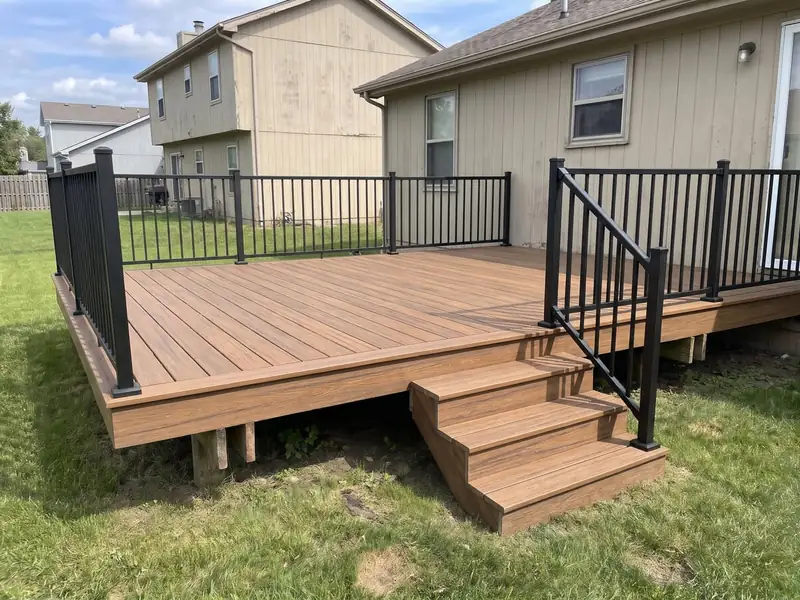
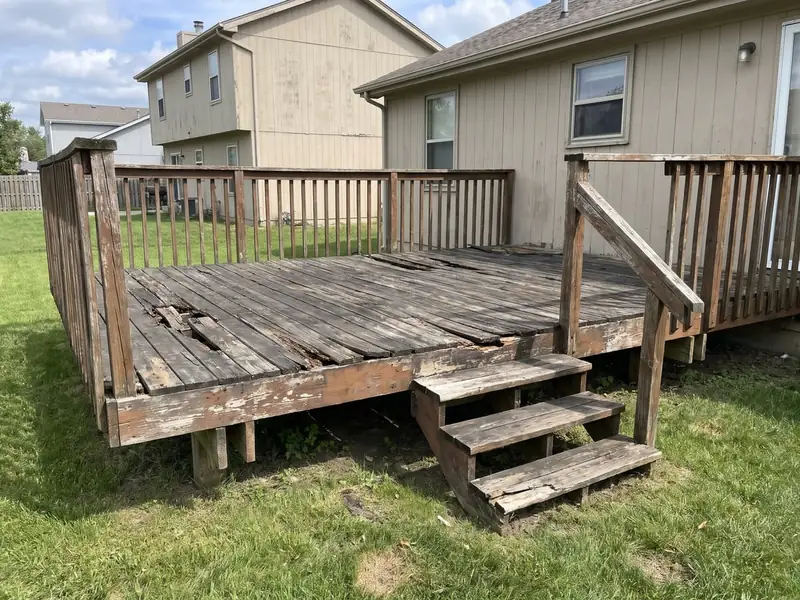
"Want to see your new deck? (FREE)" They tap it, upload a photo and see it done. No app to download.
Why it beats a quote form
Most contractor websites have a quote form or a chat box. The visualizer gives the homeowner something before it asks for anything.
They give you their number and get nothing back.
They see their own home first. Then they give you their number.
more conversions reported by flooring and tile retailers using a visualizerSource: Roomvo case studies, reported by the vendor
What you get
You see their home and the look they picked before you call. Then our AI takes it from there, like every lead.
Questions
Anything else, ask us on the call. We'll show it to you for your trade.
A button on your website. A homeowner snaps a photo of their home, picks a style and sees the job done in about 10 seconds.
To get their design, they give you their number. You get the lead.
No. It's a button on your website: "Want to see your new deck? (FREE)". They tap it and upload a photo.
Name, phone, email and their photo, every time. Plus a text the moment they create one, 24/7.
Then our AI texts and calls them within 60 seconds, like every new lead.
A quote form asks for their number and gives them nothing back. The visualizer shows them their own home first, then asks.
Flooring and tile retailers using a visualizer report 2X-5X more conversions. Source: Roomvo case studies, reported by the vendor.
This page has examples for 9: fencing, painting, flooring, decks, cabinets, countertops, pools, landscaping and concrete. Ask us on the call about yours.
No. They're example images that show how it works, not a client's job. On your website, the homeowner sees their own photo.
No. It's part of the ClientSwing app, with estimates, quotes, invoices, instant estimators, scheduling and dispatching. All included. See pricing.
No. Your leads are never shared with competitors. Our ads run for one contractor per trade, per area, and there's a money-back guarantee, no questions asked.
Keep reading
Estimates, quotes, invoices, a visualizer and instant estimators. Scheduling and dispatching for your crews, too.
They see an estimate in seconds. You get the lead.
Learn moreIt all runs in one app on your phone.
Learn moreEstimates, quotes and invoices from your phone.
Learn moreScheduling and dispatching for your crews.
Learn moreAI answers every lead, day or night.
Learn moreA site that ranks and books calls.
Learn moreOne call. We'll show you the visualizer for your trade and tell you if your area is open.
One contractor per area. First come, first served.